
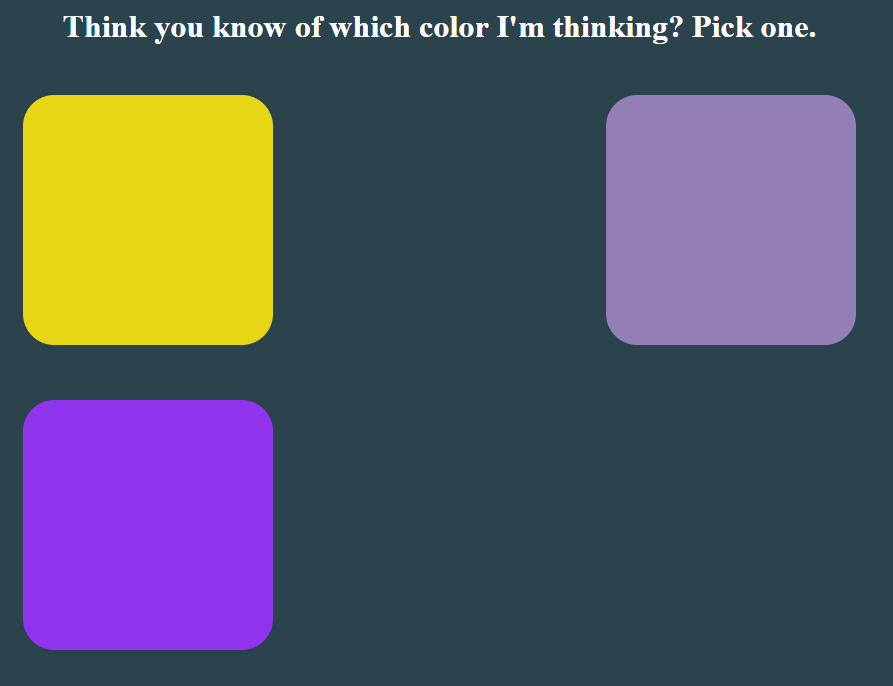
It’s kind of weird posting this late at night. I usually do my JavaScript practice first thing in the morning, but that’s not the case today. Today, I woke up especially early. It was frozen outside and I just decided to take Hank (my husky) straight to the city park to go for a walk. From there, the day just kind of steamrolled. I tried some yoga (it kicked my butt), applied for some corporate jobs, and straightened out my Upwork profile.
So, JavaScript practice got pushed till tonight, but I’m still trying to get it out there because this project on which we’re working is actually pretty fun, in my opinion.
Pick a Color. Any Color.
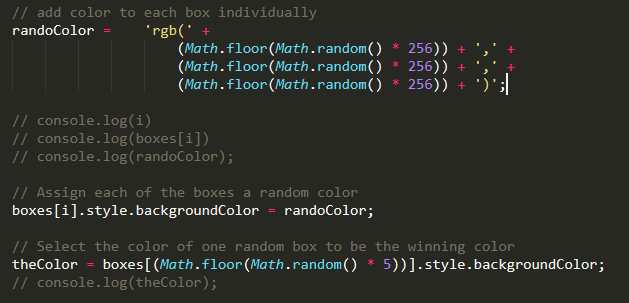
This is a color game, right? We pick the right color to win the game, right? Yesterday, I set up the process to assign each box a different random color. Today, I worked on making our game pick one of those random colors for the winning color. To do that, I created a variable and defined it with much the same process as our random rgb color variable. Select the background color of one box using the Math libraries random and floor in the index position selector (square brackets []). Multiply this number by 5 and you randomly select on of the six boxes.
This is actually really difficult to explain and it may just help to look at this code below.
Just the Right Color, Though
The game has chosen it’s correct color, but now it’s your turn. To do this, it’s actually relatively simple. When a box is clicked, compare it’s background color to the color defined for our secret color’s variable. This is done by running a simple if/else statement. If the color match the secret color, console log “Correct!”, but if not, log “Nope!”. If it helps, you can change the colors of the clicked box to some random color. I did this originally, but I think it gets a little confusing if it’s similar to the secret color.
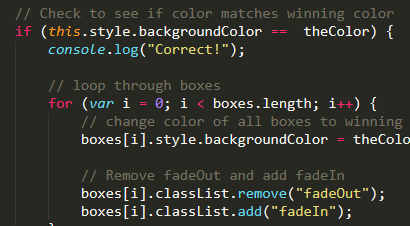
Now, if the correct color is chosen, change the color of all the other boxes to this color. This one is really simple. When the correct color is chosen, run a for loop to cycle through all of the boxes and change their background colors to that of the secret color.
And that… is the basic functionality for the game! Now, let’s start working on some style.
Wax On. Wax Off.
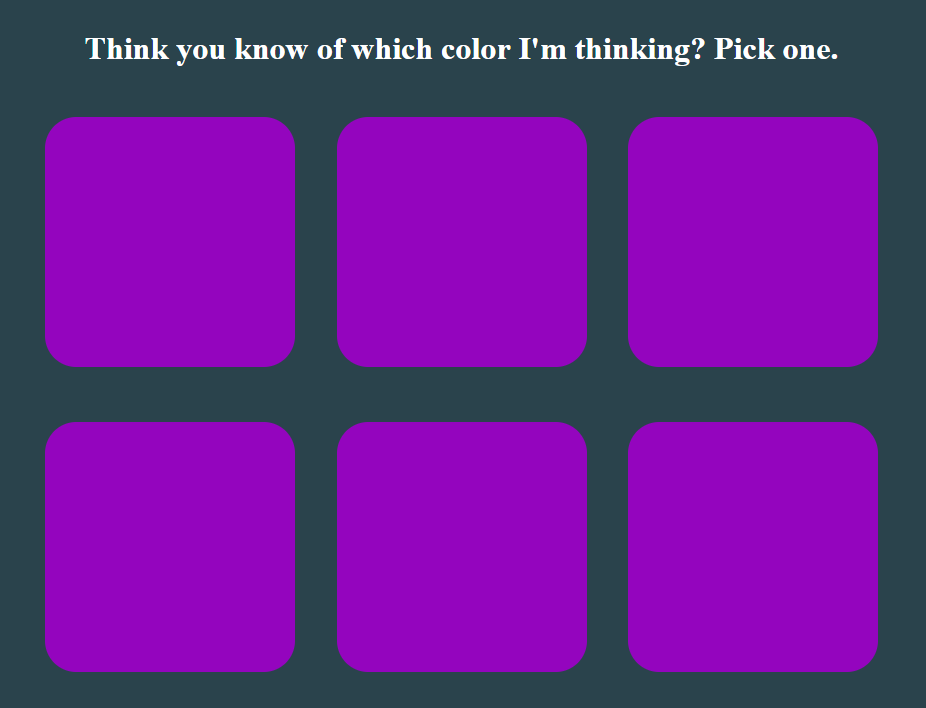
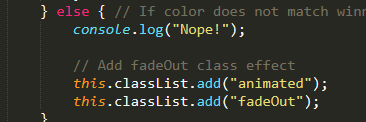
Only, technically, I guess in this case, it’s fade in /fade out. What I wanted to do here is to add a little cool effect to the game. When an incorrect box is chosen, I want it to fade out over some amount of time and wipe itself from the board. Because I’m trying not to use jQuery (isn’t JavaScript pretty enough??), I wanted to use pure JavaScript to add a CSS class which will fade out the element. Unsure of how exactly to accomplish this, I Googled it and came up with this.
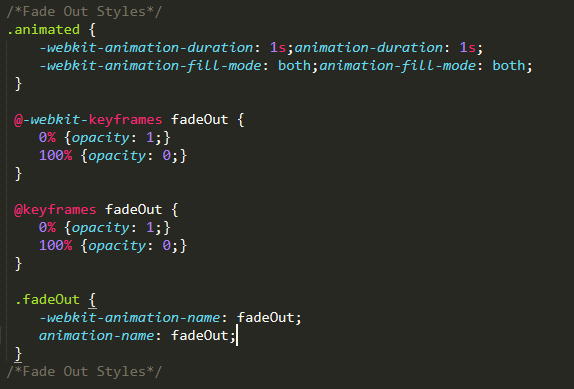
Essentially, the animated class adds the duration and type of animation. Then, the fadeOut class calls the fadeOut keyframes which change the opacity of an element from 1 at the start (0%) to 0 at the end (100%). Having defined the classes, I then add them to the element upon incorrectly guessing the secret color within the else part of our if statement.
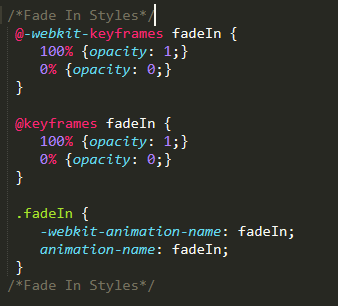
To fade back in, I created new classes and really just created opposite values for what I already had in the fade out classes. Then, in my JavaScript for selecting the correct color, I added the fadeIn class and removed the fadeOut class. Although, I think it works whether you remove that class or not.
Tomorrow
I think all we have to do tomorrow is add the point system, the reset button, and maybe some kind of clue function. It may take longer than one day, but that’s okay! We’ll get through it. Until then…
Thank you much.